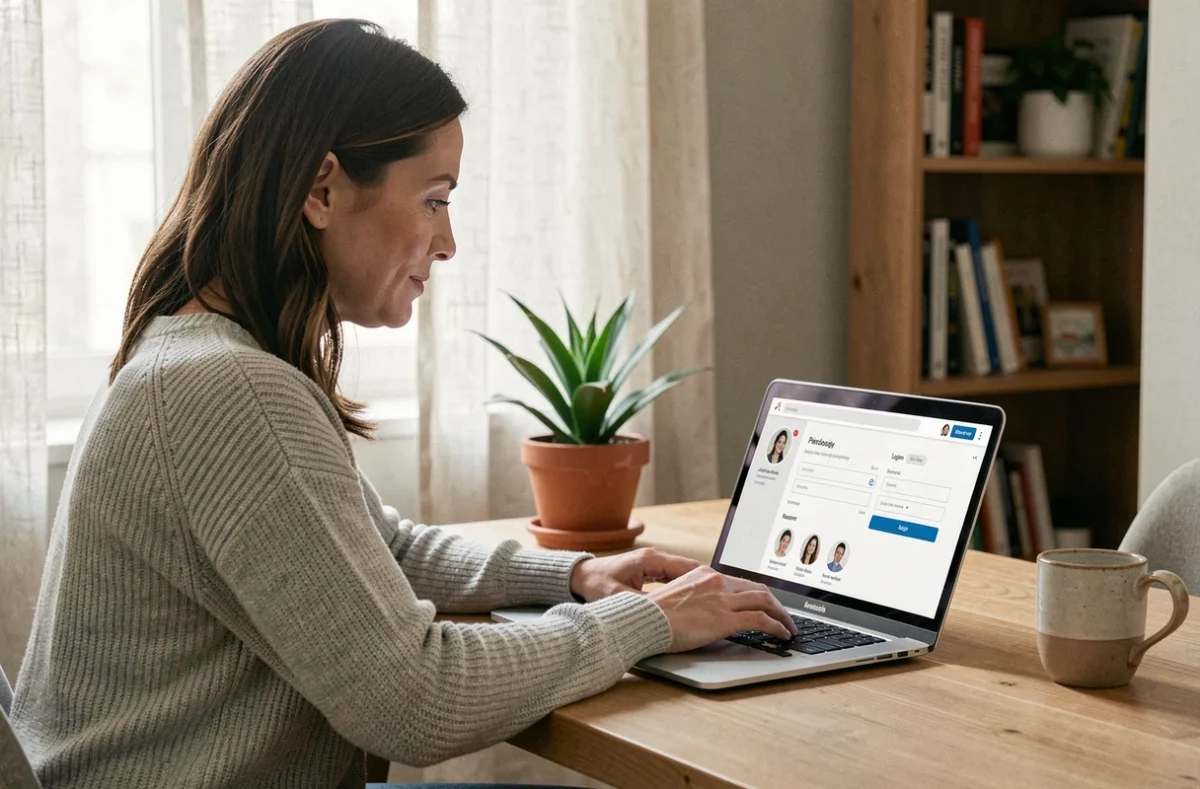
You receive a letter from your pension fund directing you to an online portal. You look for the right website, land on a login page, and can’t remember your password. The administrative process itself takes only a few minutes, but getting to it can quickly turn into an obstacle course. Understanding how to access your personal account saves time on every task that follows.
One password or FranceConnect: choose your way in
Every government website (taxes, Ameli, CAF, pensions) lets you create an account using an email address and password. The problem arises when you end up with multiple accounts: five services, five different passwords, and five chances to forget them.
FranceConnect solves this problem. The idea is simple: one set of login details gives you access to more than a thousand public services. Use an account you already have (taxes, Ameli, or another service) to sign in to any participating website. No new password to remember.
FranceConnect+ adds an extra layer of verification. It’s not an optional feature just for the cautious: some procedures require it because they involve sensitive data. To activate FranceConnect+, you need to use a digital identity app such as France Identité, installed on a compatible smartphone.
To better understand portals such as Clicmouse.fr login, the principle is the same: find the login button, enter your credentials, or use a third-party service that centralizes access.
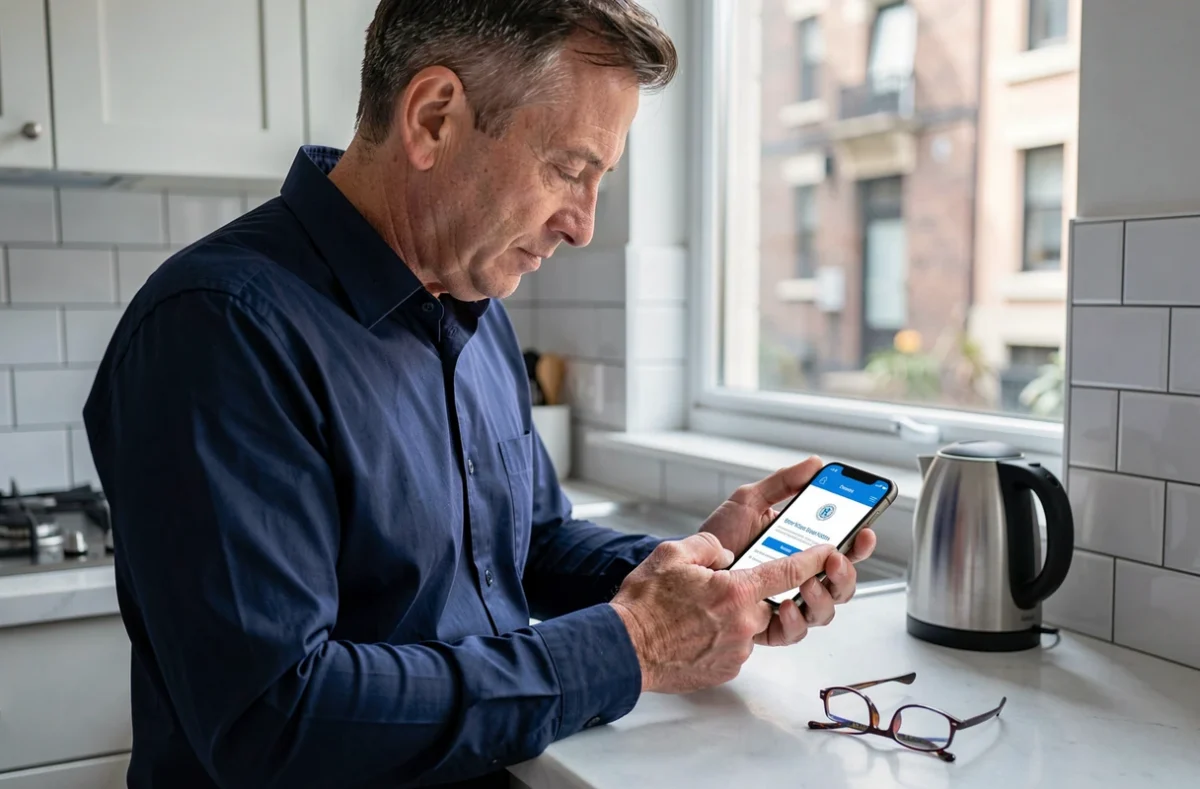
Your personal account on Service Public: what you can actually do
Once you’re signed in, your personal account is more than just an inbox. On Service Public, it serves three practical purposes.
- Track the progress of an application submitted online, whether it’s for an ID card, a change of address, or registration on the electoral roll.
- Store administrative documents sent by government agencies, which you can access at any time without having to request them again.
- Contact an administrative service directly through secure messaging, without using a generic contact form.
One often-overlooked point: the email address used to create the account must be personal. Sharing a family email address can cause confusion between applications, and the same email address cannot be used for two separate accounts.
Online access without a recent smartphone or the new-format ID card
You may have noticed that FranceConnect+ and France Identité require a compatible smartphone and, in some cases, an ID card in bank card format. Not everyone has one. This should never prevent anyone from exercising their rights.
When your phone isn’t enough
France Identité only works on smartphones with an NFC chip and a sufficiently recent operating system. If your phone is more than four or five years old, there’s a good chance the app won’t install or won’t be able to read your card’s chip.
Not having a compatible smartphone does not prevent you from accessing everyday services. FranceConnect (without the +) can still be used on a computer with a standard web browser. Most everyday procedures (taxes, CAF, Ameli) don’t require FranceConnect+.
In-person support is still a right
France Services centers, located throughout the country, offer in-person support. An advisor can help you create an account, recover a password, or submit an application.
A procedure described as “online” can include an in-person step. For example, it’s best to activate France Identité when collecting a new ID card from your local town hall. This saves you from having to scan the card yourself later.
If you still have an old-format (cardboard) ID card, you simply can’t use enhanced sign-in through France Identité until you renew it. Renewal is free, but you should allow several weeks for processing.

Protect your personal account: habits that matter
Accessing your account is one thing. Making sure no one else can access it is another.
Your password must be at least eight characters long and include at least one uppercase letter, one lowercase letter, and one number. That’s the standard required by Service Public. But a strong password is no use if you reuse it on another website, especially a less secure commercial site.
- Use a different password for each government service, or always sign in through FranceConnect so you only have one set of login details to manage.
- Regularly checking your sign-in history in your personal account can help you spot suspicious access.
- France Identité lets you generate a one-time proof of identity instead of sending a full photocopy of your ID card. This limits the amount of personal data in circulation.
This last point changes the usual approach. Instead of sharing all your information for every procedure, you share only what is strictly necessary.
Recovering access: forgotten password or locked account
The recovery process is almost always the same: click “forgot password,” receive a password reset email, and create a new password. If you can no longer access the email address itself (because you changed providers or your inbox is full), things get more complicated.
On Service Public, a contact form lets you report that you’ve lost access to the email address linked to your account. Your identity will then be verified by other means, which can take several days.
Keeping your primary email address up to date is the easiest way to avoid getting locked out. Whenever you change email providers, update your government accounts before closing your old inbox.
Accessing online services relies on simple processes, once you understand them. The real challenge isn’t technical: it’s making sure everyone, whatever their equipment, has a way to access their rights.